Thread Rating:
  • 1 Vote(s) - 5 Average
  • 1
  • 2
  • 3
  • 4
  • 5
 
Share Thread:
Reddit Facebook Twitter
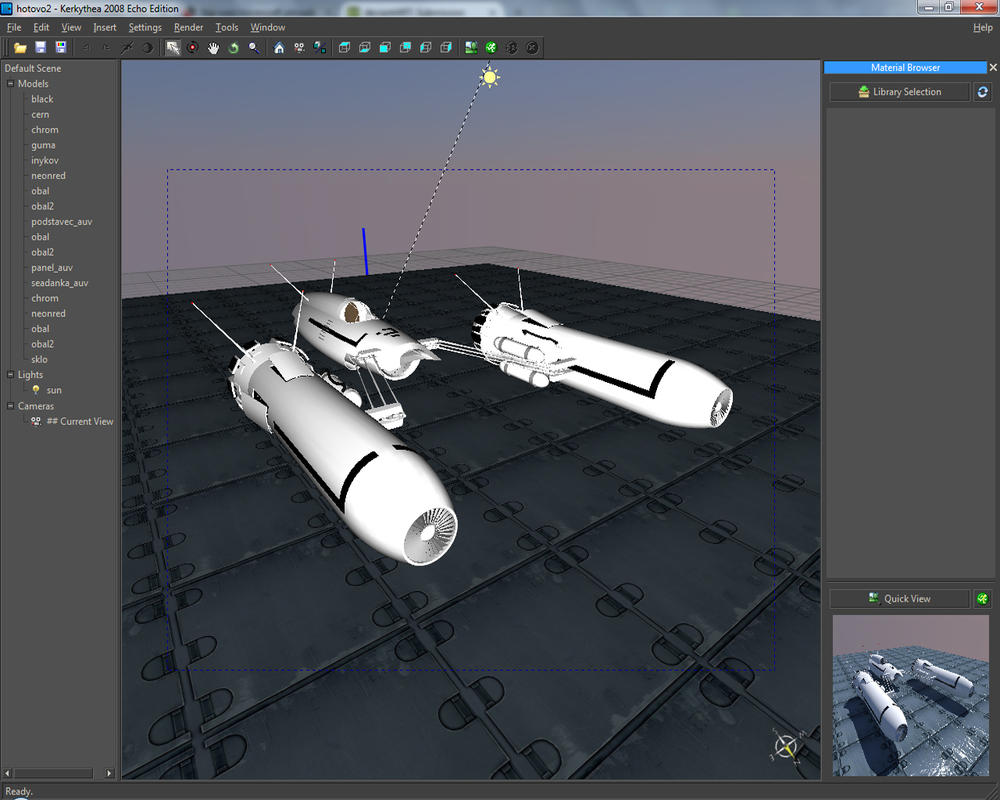
Kerkythea Rendering Software
12-01-2014, 12:45 AM (This post was last modified: 11-01-2020 08:34 PM by micheus.)
Post: #1
Kerkythea Rendering Software
This thread is dedicated to share information about the Kerkythea render software.

* The initial posts were started in the Star wars hovercraft artwork thread.


The new Kerkythea site is ready.

I noticed that download page doesn't make reference to the Echo Boost version (a release candidate) that is faster than previous one and also includes a 64bit version of the program. You can find the it here.

Some useful links:

@MicheusVieira MicheusVieira Micheuss micheus4wings3d
* Wings3D Team stands for: Björn and Dan
Reply
12-01-2014, 08:07 AM
Post: #2
RE: Star wars hovercraft artwork
(12-01-2014 12:38 AM)Radi Wrote:  Im shocked Oo AWESOME !
Very nice renders
Kerkythea is free to use ?

It's free for use (also for commercially)
If you have a good balanced settings - Strong rendering tool
(kerkythea dislikes lot of lights or illuminated materials Sad = high rendering time)


InExPro studio

Lord of Galaxies

Lord of Galaxies donation thanks
Reply
12-01-2014, 11:23 AM
Post: #3
RE: Star wars hovercraft artwork
dzięki ! umm thanks! my first steps with rendering start from today ! ^.^
Reply
12-02-2014, 08:22 PM
Post: #4
RE: Star wars hovercraft artwork
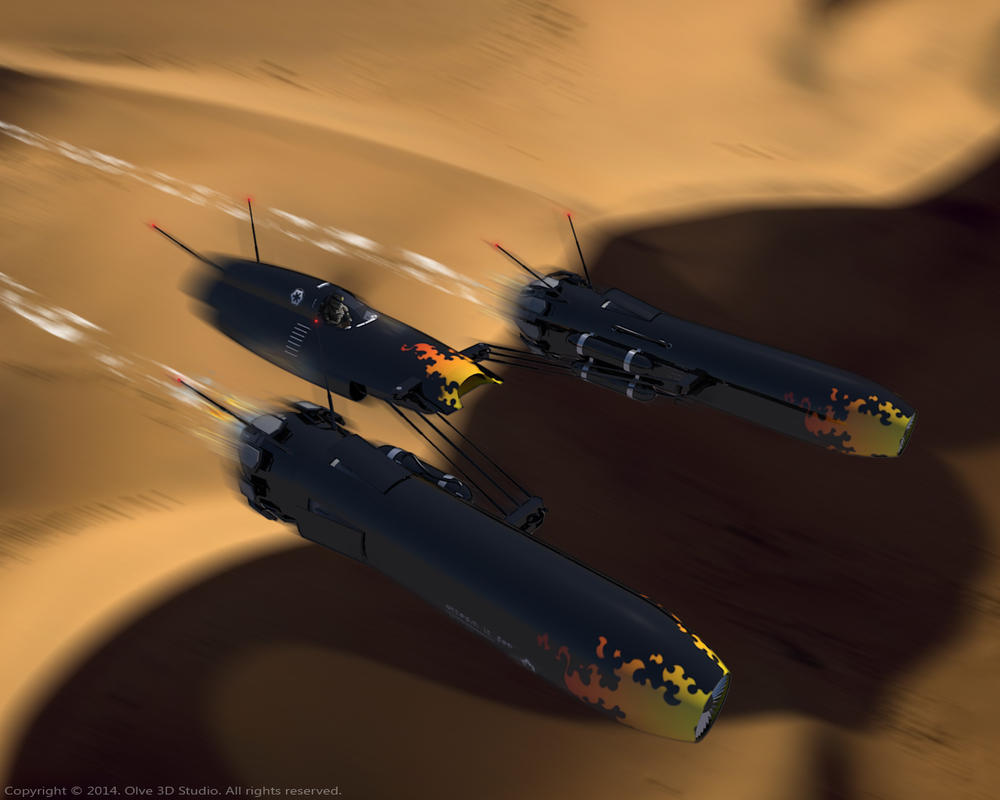
It would be looking really great with some desert backround Smile

Anyway guys, is there a way in Kerkythea to disable rendering of backfaces ?
Reply
12-03-2014, 05:59 AM
Post: #5
RE: Star wars hovercraft artwork
(12-02-2014 08:22 PM)Radi Wrote:  Anyway guys, is there a way in Kerkythea to disable rendering of backfaces ?
Do you want to get the same effect you see in Wings3d when you uncheck View->Show Backfaces? No.

@MicheusVieira MicheusVieira Micheuss micheus4wings3d
* Wings3D Team stands for: Björn and Dan
Reply
12-03-2014, 07:39 PM
Post: #6
RE: Kerkythea Rendering Software
another question:
UV seams are always visible when rendering in Kerkythea, but normally in Wings or Unreal Tournament not, my textures are ideally cover seams.. Is there a way in Kerkythea to make seams less visible ??
Reply
12-03-2014, 08:32 PM
Post: #7
RE: Kerkythea Rendering Software
(12-03-2014 07:39 PM)Radi Wrote:  another question:
UV seams are always visible when rendering in Kerkythea, but normally in Wings or Unreal Tournament not, my textures are ideally cover seams.. Is there a way in Kerkythea to make seams less visible ??
Any picture for evaluation?
Sometimes you need to scale down the mesh a little or paint the image out of the mesh.


* Don't forget to take a look at those links I put in the first post in this thread. You can find useful information there.

@MicheusVieira MicheusVieira Micheuss micheus4wings3d
* Wings3D Team stands for: Björn and Dan
Reply
12-04-2014, 07:40 PM
Post: #8
RE: Star wars hovercraft artwork
(12-02-2014 08:22 PM)Radi Wrote:  It would be looking really great with some desert backround Smile


Anyway guys, is there a way in Kerkythea to disable rendering of backfaces ?

Tutorial Kerkythea transparent background:
http://www.kerkythea.net/cms/documentati...etcher.pdf

InExPro studio

Lord of Galaxies

Lord of Galaxies donation thanks
Reply
12-04-2014, 09:06 PM
Post: #9
RE: Kerkythea Rendering Software
haha olve, this looks much better ^.^

@micheus:
UV seams are visible in Kerkythea.. just looks at these emoticons 'hands' .. Sad strange this it..

Reply
12-05-2014, 01:53 AM
Post: #10
RE: Kerkythea Rendering Software
Olve11, that's a excelent tutorial. Thanks for sharing.
Because I tried in the past I just see a situation which it seems to not work - if the scene have a transparent/translucent sphere - I was not able to merge that rendered scene with a picture and it work fine. Maybe I did something wrong!?

Radi, that's a situation I didn't experienced. I'll check it.

@MicheusVieira MicheusVieira Micheuss micheus4wings3d
* Wings3D Team stands for: Björn and Dan
Reply


Forum Jump:


User(s) browsing this thread: 1 Guest(s)